
Minimal Markdown
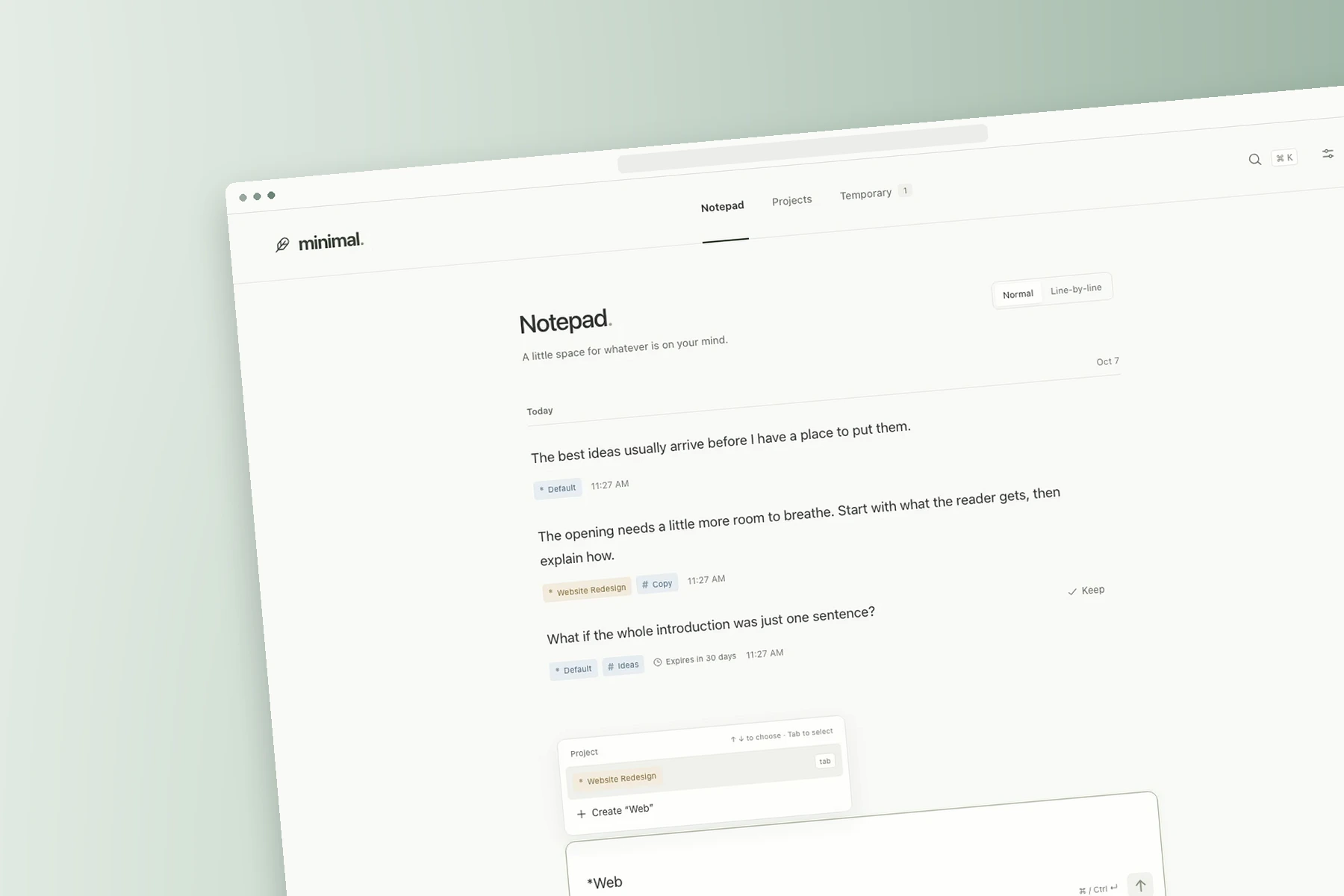
Minimal Markdown is a focused writing app for capturing thoughts and organizing them into projects. Its line-by-line editor keeps the current line in focus while the rest of the page recedes.
A quieter place to write
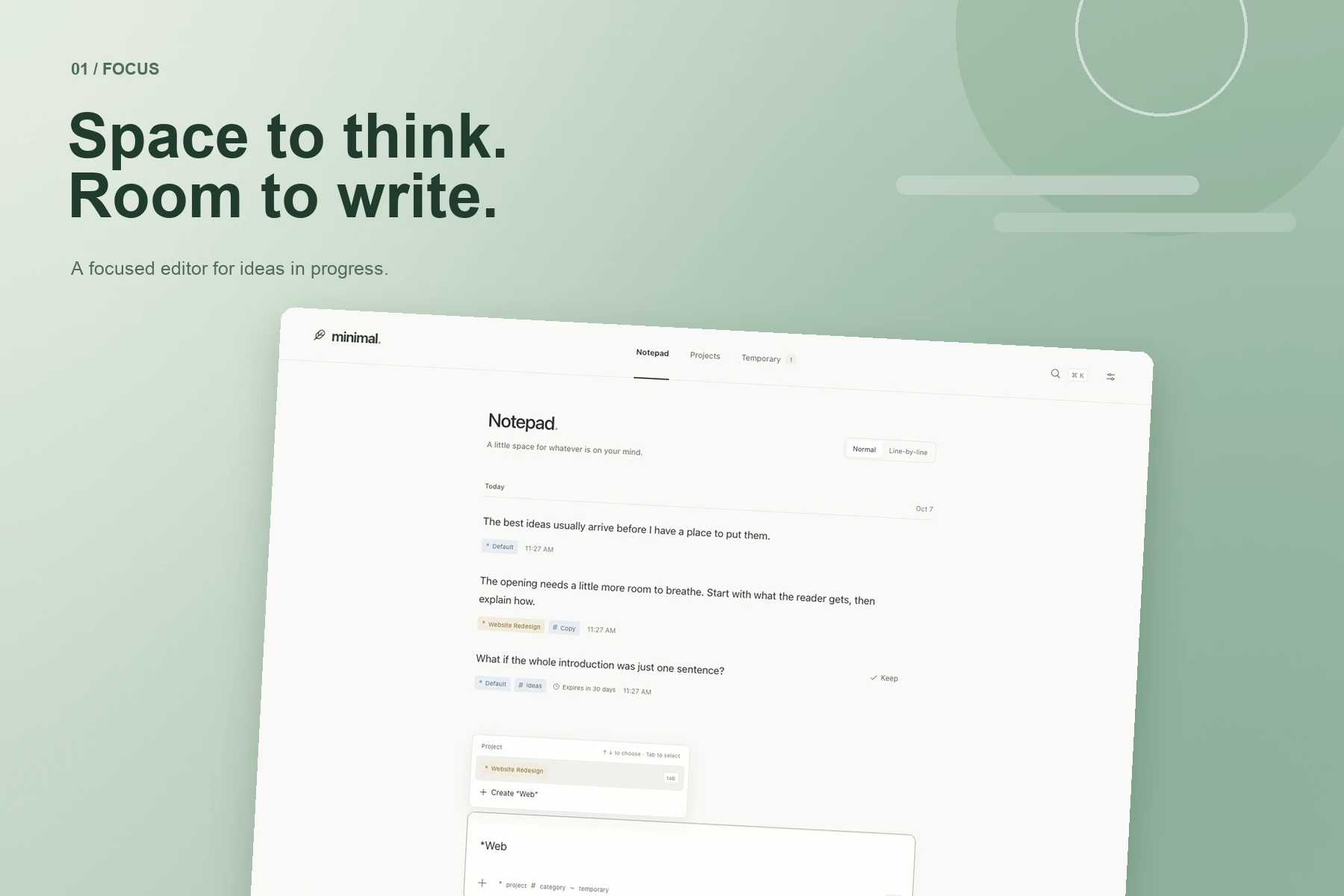
Minimal Markdown opens to an Inbox for capturing thoughts without deciding where they belong first. Select an entry to continue it in Notepad, where the line-by-line view emphasizes the current line and lets the rest recede. Changes save as you write.
Organize as you write
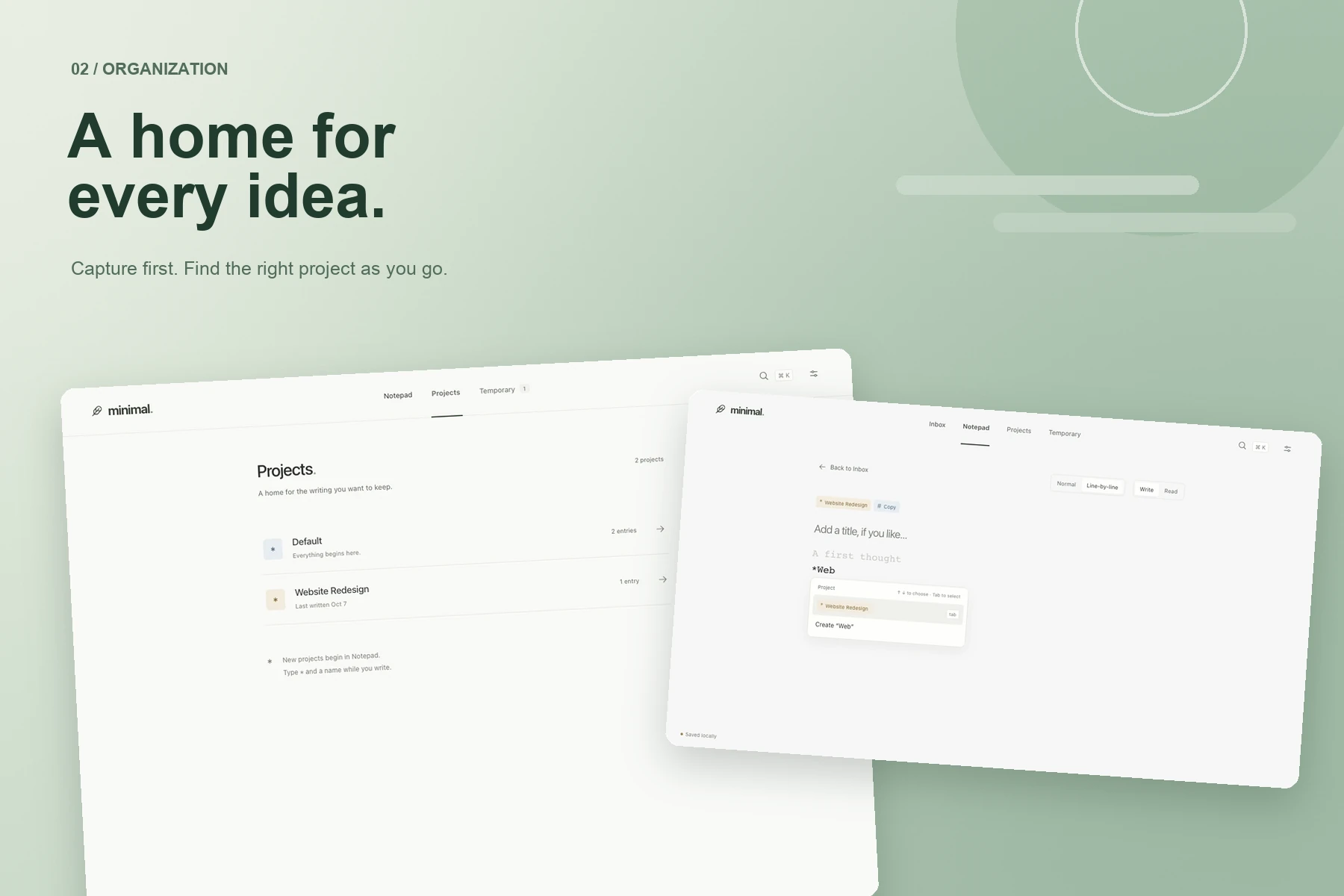
Projects and categories give writing a place to live. Type an asterisk or a hash to find or create a label without leaving the editor. The Projects view brings filed entries together, while search helps find a thought again.
Made for different ways of working
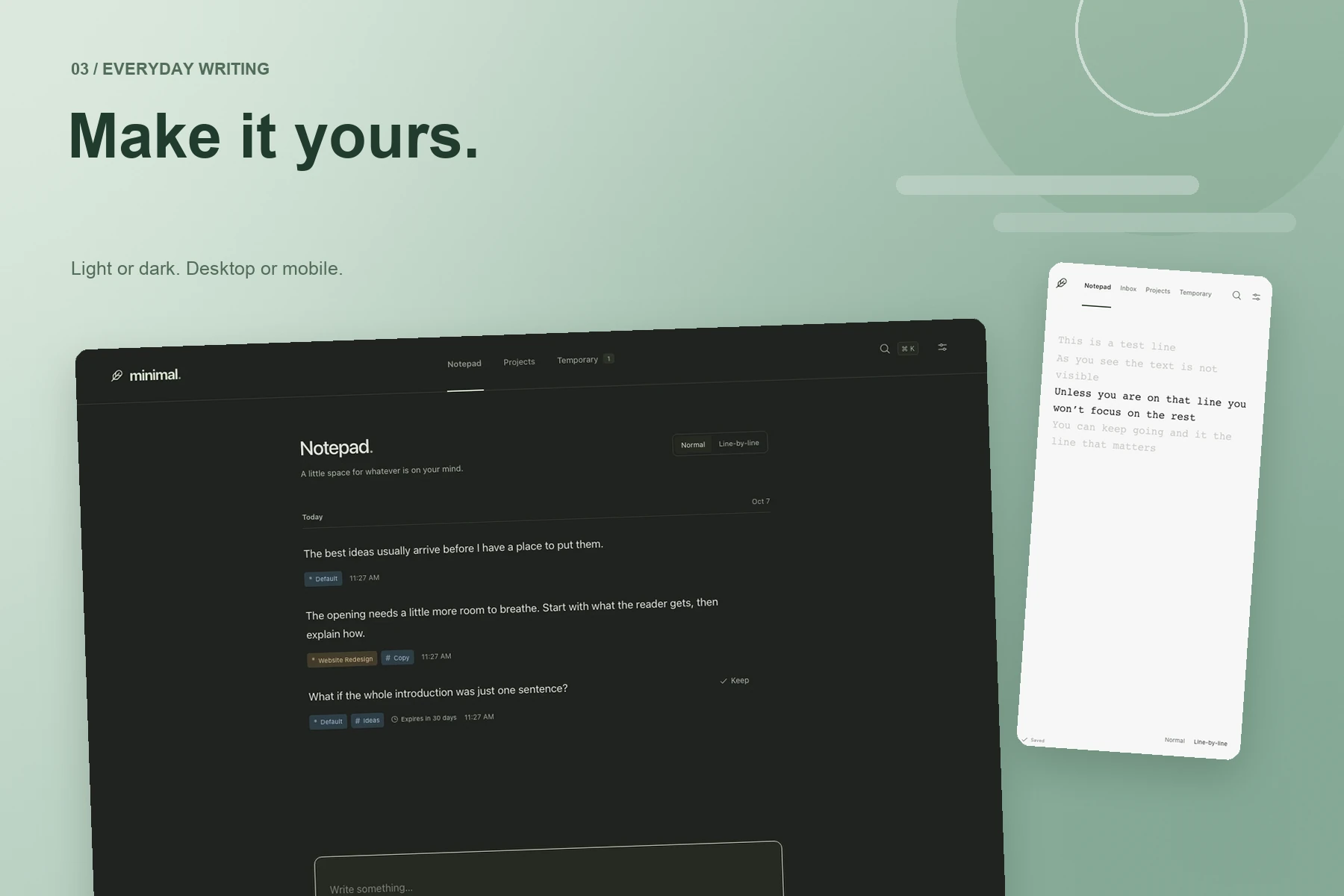
Normal and line-by-line modes share the same Markdown text, so writers can switch views without changing their work. Temporary entries have their own space, and keyboard shortcuts, light and dark appearances, and mobile layouts support a range of workflows.
A product beyond the editor
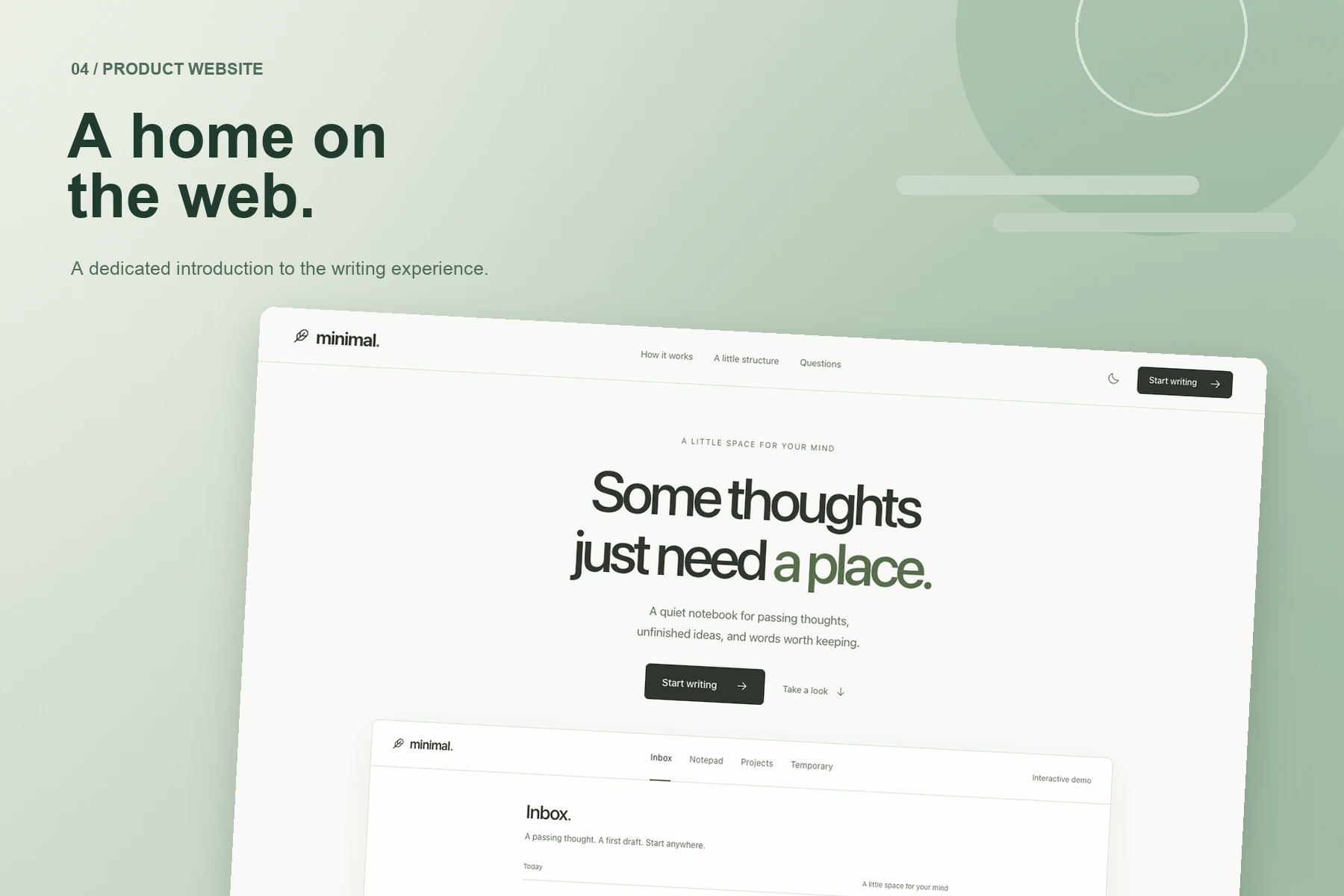
The project also includes a dedicated website that introduces the writing experience through an interactive demo. The presentation brings the app’s restrained typography and quiet visual language to the web.
Keeping work close
The app saves writing and drafts in browser storage and queues changes when a connection is unavailable. Its hosted sync implementation is in development; the project documentation notes that production setup is still pending.